What Is IPTV and How Is It Different from Netflix or Cable?
If you have searched “what is IPTV,” you have probably seen the term used for everything from legitimate television services to online subscriptions with huge channel lists. IPTV stands for Internet Protocol Television: television delivered over an internet connection rather than through traditional cable or satellite signals. The technology itself is a way to deliver video; what channels, features and rights come with a particular service depend on the provider.
That distinction matters. IPTV can feel a bit like cable when you browse live channels, or a bit like Netflix when you watch on demand. But it is not automatically the same as either one. This guide explains how internet protocol television works, how it compares with Netflix and cable or satellite, what to check before subscribing, and how to set it up on common devices in Canada.
Internet Protocol Television Explained
In simple terms, IPTV sends television programming as data over an internet connection. You open an app or compatible player, choose a live channel or a programme, and the video streams to your screen. The stream may travel through your home Wi-Fi or, preferably for a main television, a wired Ethernet connection.
IPTV is a delivery method, not a guarantee of a particular channel lineup or level of service. A legitimate provider needs appropriate rights to offer the content it carries. A familiar app interface, a long channel list or a “4K” label does not, by itself, establish that a service has the rights, bandwidth or picture quality it claims.

What you may find in an IPTV service
- Live television: Channels that stream on a schedule, similar to the traditional TV experience.
- Video on demand: Films or series you select and play when you want, if the provider includes that library.
- Catch-up or replay: The option to watch certain programmes after their original broadcast, where available.
- Electronic programme guide: A schedule that helps you see what is on now and what is coming up.
Features vary by service and subscription. Before paying, check which features are actually included, whether they work on your device, and whether the content is licensed for your region.
IPTV vs. Netflix vs. Cable or Satellite
The main difference is not simply “internet versus television.” Netflix is primarily an on-demand streaming service with its own catalogue. Cable and satellite providers traditionally deliver channel packages through a dedicated network or dish. IPTV uses internet delivery and may offer live channels, on-demand video, or both.
Option How it is delivered Typical viewing style What to check IPTV Internet connection May include live channels and on-demand content Content rights, supported devices, stream limits, total CAD cost and reliability Netflix Internet connection Mainly on-demand films, series and other titles Current plan features, catalogue and household rules Cable or satellite Cable network or satellite dish Usually channel packages, often with live programming Installation, equipment, contract terms, channel package and total billIPTV vs. cable and satellite
When people search “iptv vs cable satellite,” they are often comparing convenience and cost. With an internet-delivered service, you may be able to watch on more than one kind of device and avoid a traditional set-top box. Cable or satellite may offer a more familiar channel guide, local support, or a dedicated connection that is not affected in the same way as a busy home Wi-Fi network.
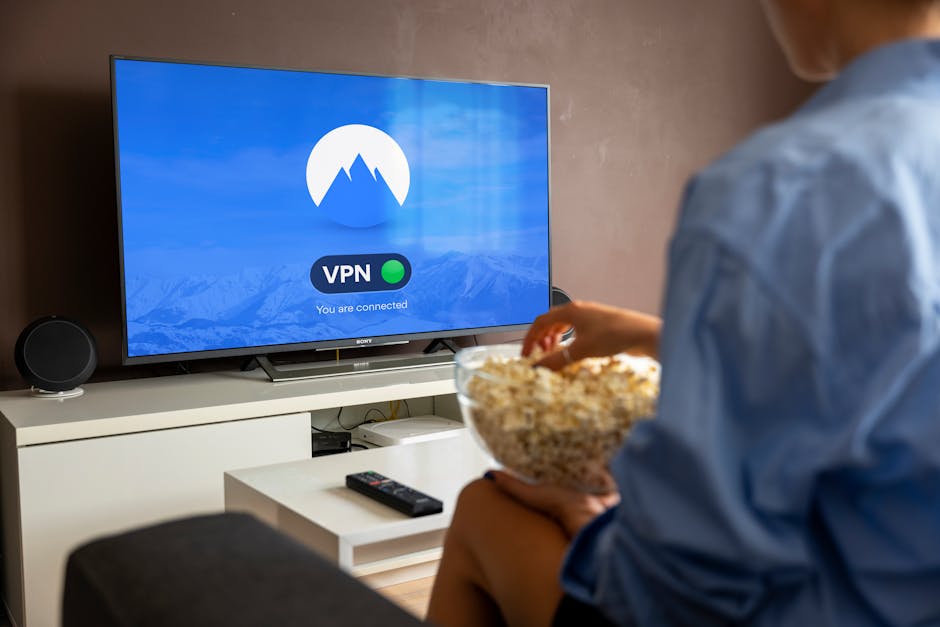
Neither option is automatically cheaper or more reliable. Compare the full monthly cost, including internet service, equipment, taxes, installation and any extra-device fees. If your top iptv providers canada household already pays for internet, that does not mean streaming has unlimited capacity: other people gaming, video-calling or downloading files can compete for bandwidth.
IPTV vs. Netflix
Netflix is a streaming service, but it is not generally a replacement for a live TV package. Its core experience is selecting a title from an on-demand catalogue. An IPTV service may be more appealing if you want scheduled live programming, though its catalogue, channel availability and viewing features depend on the provider.
Some households use both: one service for series and films, another for live television. Before stacking subscriptions, add up the monthly cost in Canadian dollars and check whether you will actually use the content. Avoid judging a service only by the size of its advertised library.
How Much Internet Speed Do You Need?
There is no single speed number that guarantees smooth streaming. As a practical starting point, plan for roughly 5–8 Mbps per HD stream and around 25 Mbps or more per 4K stream. These are planning estimates, not promises: the provider’s encoding, your internet connection, Wi-Fi conditions and other household traffic all affect results.
For example, two simultaneous HD streams may need about 10–16 Mbps just for video, while a 4K stream plus other household use needs additional headroom. If the service advertises 4K, ask whether the specific channels or titles are actually available in 4K, and what connection speed it recommends. A large “4K” badge does not tell you the resolution of every stream.
For the main TV, I generally prefer Ethernet when it is practical. It avoids some of the interference and signal fluctuations that can affect Wi-Fi. If running a cable is not possible, use a strong 5 GHz Wi-Fi signal where supported, keep the router in an open central location, and avoid placing it behind a television or inside a cabinet.
Devices and Multi-Device Streaming
IPTV services may support smart TVs, streaming sticks, Android TV boxes, phones, tablets and computers, but compatibility is provider-specific. A Samsung television, for instance, may support an app directly, or you may need a separate streaming device. Confirm the exact model and app availability before subscribing; “works on Samsung” can mean different things for different TV years and operating systems.
Also distinguish between devices you can install on and streams you can watch at once. A plan might allow you to sign in on several devices but limit simultaneous playback. If a provider offers plans for one to five simultaneous streams, confirm the limit, any household restrictions, and whether extra streams cost more.
For example, IPTV Jacom may be one provider a Canadian viewer encounters while comparing options. Check its current device list, supported apps and exact simultaneous-stream terms directly before you commit. Do not assume a plan supports five screens at once just because it can be installed on five devices.
Pricing, Payment and Trial Terms in Canada
Look for a clear price in CAD, not just a number with no currency label. Ask whether taxes are included, how long the quoted price lasts, whether multiple devices add fees, and what the renewal price will be. A low introductory price can be less attractive if the ongoing charge is unclear or the subscription renews automatically.
If a provider accepts Interac e-Transfer only, make sure you understand the payment and support process before sending money. Confirm the recipient details through the provider’s official channel, keep your payment record, and ask what happens if activation fails. Interac e-Transfer is a payment method; it does not, on its own, confirm that a service is licensed or that a refund will be issued.
Some offers advertise a free 24-hour trial and a 7-day refund window. Treat those as terms to verify in writing before ordering. Ask when the 24 hours begin, whether the trial requires payment details, what qualifies for a refund, how to request one, and whether the refund is available after using the service. Save a copy of the terms and any support conversation.
How to judge a huge channel-count claim
You may see a price or package example described as 55,000+ live channels. That number is not a measure of picture quality, availability or legitimacy. Ask for a channel list relevant to your needs, test the channels during your normal viewing hours, and check whether local, regional and language-specific programming is included. A smaller, reliable and properly licensed selection may be more useful than an enormous list that is difficult to navigate or frequently unavailable.
Basic Setup Steps
Setup varies by provider and device, but the general process is straightforward. Use only the provider’s official instructions and apps, and do not install unknown files just because a forum recommends them.
- Check compatibility. Confirm your TV or streaming device model is supported, along with the app or player you need.
- Test your connection. Run a speed test near the TV. If possible, connect the main screen by Ethernet.
- Review the offer. Confirm the CAD total, payment method, trial and refund conditions, device limit and simultaneous-stream limit.
- Install the official app or player. Use the device’s trusted app store where available, and follow the provider’s setup guide.
- Sign in and check playback. Test a live channel and any on-demand features. Try again at the time you normally watch, especially if evenings are busy in your home.
- Secure your account. Use a unique password and avoid sharing account details beyond the provider’s stated household rules.
Quick Troubleshooting Checklist for Game Night
- Use Ethernet for the main TV if possible.
- Pause large downloads and cloud backups on other devices.
- Restart the streaming device and router if the connection has become unstable.
- Check whether the problem affects one channel or every app and site.
- Note what time buffering happens. Evening congestion can help distinguish a Wi-Fi issue from a service or internet-provider issue.
- Have a backup option ready for an important match or event.
Bottom Line
IPTV is television delivered over the internet. Unlike Netflix, it may include live channels; unlike traditional cable or satellite, it relies on your broadband connection and compatible streaming equipment. The best choice depends on what you watch, the reliability of your home network, the devices you own and the complete price.
Before subscribing, check licensing and content availability, compare the full cost in CAD, confirm whether Interac e-Transfer is the only payment option, and get the free 24-hour trial and 7-day refund terms in writing. Verify device compatibility and whether “one to five” means installs or simultaneous streams. Then test the service on your actual TV and at the time you usually watch. That is a much better guide than a huge channel count or an unsupported 4K claim.